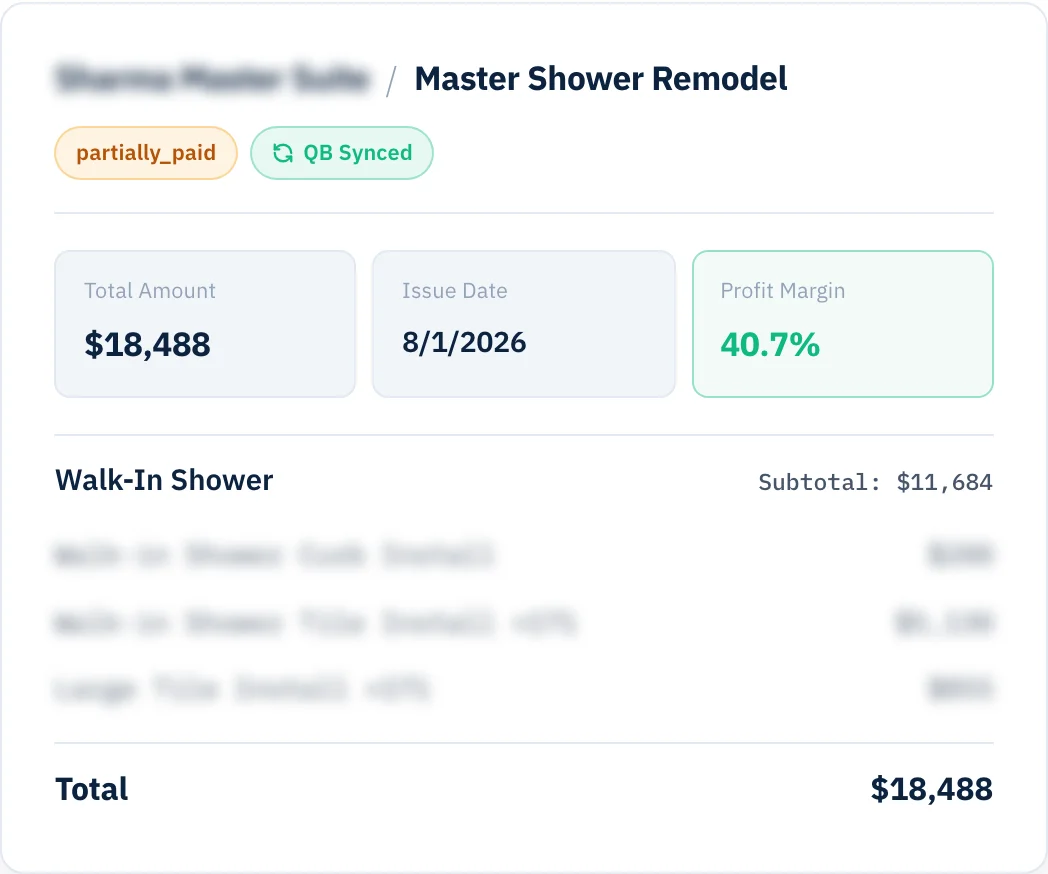
Pull your items, vendors, and chart of accounts straight from QuickBooks. Sync automatically or manually. See errors right on the document face — not buried in a menu.
Start free trial →Five years of line items — descriptions, costs, margins, trades. When we left Houzz Pro I was told they couldn't be exported. I retyped all three hundred.
Estimates, invoices, payments, and POs — every push shows up in one running log with the exact QuickBooks reference on the other side. Errors get their own filter, not their own hunt.
Every line item on your invoices maps to a specific Chart of Accounts entry. Pull the whole list from QuickBooks during onboarding, then adjust the mappings any time.
Two-Way QuickBooks Sync is in every MY LAURA account on day one. Not a Pro tier. Not an add-on. Every QuickBooks tier supported.
Unlimited invoices. Unlimited POs. Unlimited team. One price.
Start free trial →You won't have to guess what went wrong. The software prints the exact error description and reason straight onto that specific invoice view, allowing you to fix the issue instantly on your screen.
Not at all. The two-way sync pulls your complete vendor profile directory and item codes straight into the platform during your initial configuration so you don't have to deal with manual data entry.
Yes. You retain total administrative authority. You can set the platform to manual sync mode, allowing you to review and approve every project transaction before it hits your ledger.
The radar spots the gaps. The sync pushes to QuickBooks. The reports show you where the margin is. All of it on the same dashboard.
See the whole finance side